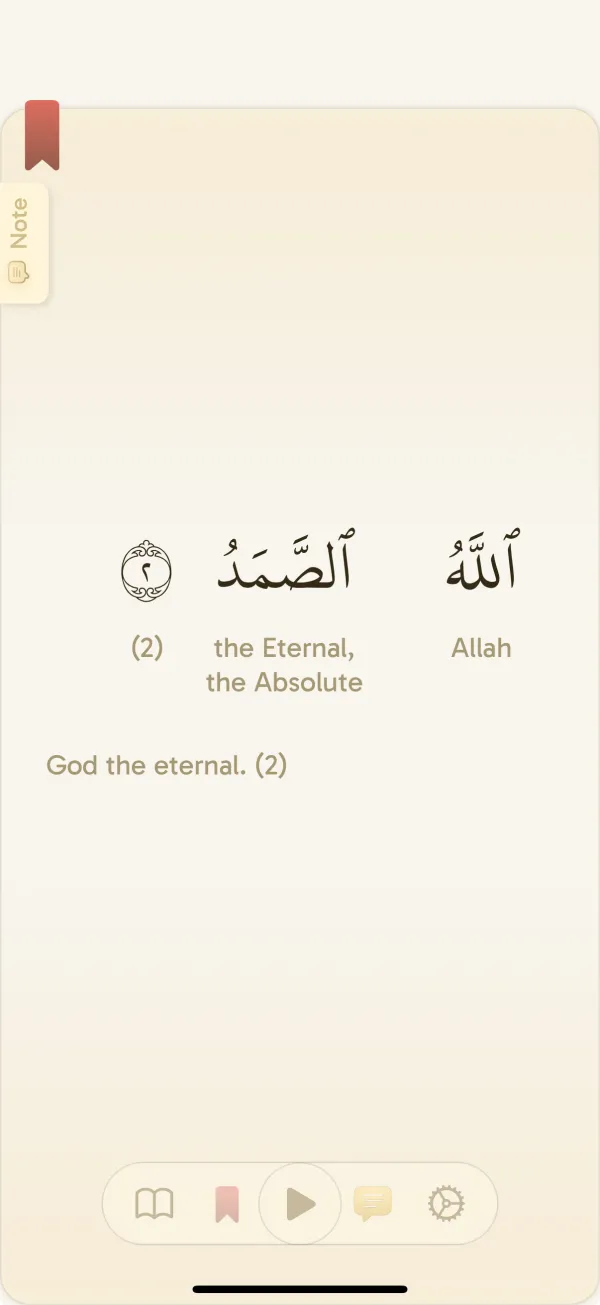
Prepare the reader before leaving Wi-Fi
Install or update Yawm and open it while you still have a connection. Complete any initial setup, choose your preferred reader layout and translation, and open the passage you intend to read. On iPad, check the Page view in the orientation and window size you plan to use; two pages appear side by side when the landscape window is wide enough.
Yawm offers 140 downloadable translation options and 40 recitation options. Choose full-verse translations and word-by-word meanings for the way you read, then download what you need for the next few sessions.
Choose a realistic amount of audio to download. A single surah for your next session is a useful first test. If you change reciters, check the downloads for the newly selected reciter; a downloaded recording from one voice does not download the same passage in every voice.
Use Settings → Downloads
Verse translations and word-by-word meanings can use different selected sources. If you rely on both, check both in the reader. Make sure the source you want is downloaded and selected before disconnecting.
- While connected, open Settings and choose Downloads.
- In Reciter audio, choose the reciter you want and manage the surahs you need. Wait for the downloads to finish.
- Open the Translations category to find and install the translations you want. Confirm that the intended translation is selected in the reader settings.
- Return to the reader and open your passage. Check the verse translation, word meanings if you use them, and the selected reciter before disconnecting.
Know what is local and what needs the internet
An offline reader does not make every feature an offline feature. In particular, downloading a translation does not make reflection generation or a new vocabulary quiz available without a connection.
Swipe or scroll to compare.
| Activity | Preparation or connection needed |
|---|---|
| Read Quran text | Available offline after initial setup; check your preferred view and passage before travel |
| Read your chosen translation | Install the appropriate translation and select it before disconnecting |
| Listen to a reciter | Download the needed surahs for that reciter before disconnecting |
| Download more translations or recitations | Internet connection required |
| Start a vocabulary quiz or save quiz results | Internet connection required |
| Create a reflection or use AI search | Internet connection required |
| Sync account changes between devices | Reconnect; do not expect another device to update while disconnected |
Run a two-minute airplane-mode test
This checks your own installed version, content, and device. It is especially useful after changing a translation source or reciter. If the offline test fails, resolve it while connected instead of assuming the content will appear later.
- Enable airplane mode and make sure Wi-Fi is also off.
- Reopen Yawm and navigate to more than one passage, including the one you plan to read next.
- Check that your chosen verse translation and word meanings appear as expected.
- Play the recitation you downloaded, then try another part of that downloaded surah. Test a second downloaded surah if you expect to use it.
- Reconnect and finish any missing downloads before leaving.
If something is missing offline
Avoid clearing app data or reinstalling as your first troubleshooting step, particularly while offline. Reconnect first and contact support if you are unsure what has been saved or downloaded.
- Missing audio: confirm the active reciter and the downloaded surah, then reconnect and retry the download.
- Missing translation: check that its download finished and that the reader is using that source.
- A quiz, reflection, or AI search asks for a connection: return to reading and retry the online activity after reconnecting.
- A persistent problem: note the app version, device, passage, translation, and reciter, then email support with the steps that reproduce it.
Common questions
Can I read Quran offline in Yawm?
Yes. Prepare the app while connected and verify the passages you need offline. Install your preferred translations and download reciter audio in advance if you want to use them without a connection.
Does offline Quran reading include vocabulary quizzes and reflections?
No. Starting vocabulary quizzes, saving quiz results, creating reflections, and AI search require an internet connection. Keep an offline session focused on the reading and audio you have prepared.
Why does audio stop when I switch reciters offline?
Audio downloads are tied to the reciter and surah. Check that the selected reciter has the surah downloaded; downloading another reciter does not download every version of that passage.