Choose what you want help with first
Being new to an app is different from being new to Arabic. You might already read fluently and just want a routine, or you might need help following the script and meaning. Pick that starting need before exploring every available feature.
If the Arabic letters themselves are unfamiliar, an introductory reading course or a teacher can provide structured instruction. Use the app’s audio and translations alongside that learning. Vocabulary games are not an alphabet course, and they do not correct your pronunciation.
Swipe or scroll to compare.
| Your starting point | A useful first setup |
|---|---|
| I can read Arabic but rarely open the reader | A small goal and one visible reminder |
| I read Arabic slowly | A short passage, comfortable text, and recitation to follow |
| I want to follow the meaning | A full verse translation, with optional word meanings |
| I enjoy practice after reading | An available vocabulary activity while connected |
Make the screen comfortable before setting a target
Page view can suit someone who prefers a familiar Mushaf page. A verse-focused view may suit a reader who wants a smaller amount on screen at a time. There is no need to choose the layout with the most information; choose the one that lets you begin.
- Install Yawm, complete initial setup, and open a short passage you want to read.
- Try Page, List, or Verse by verse view. Choose one rather than changing views throughout the first session.
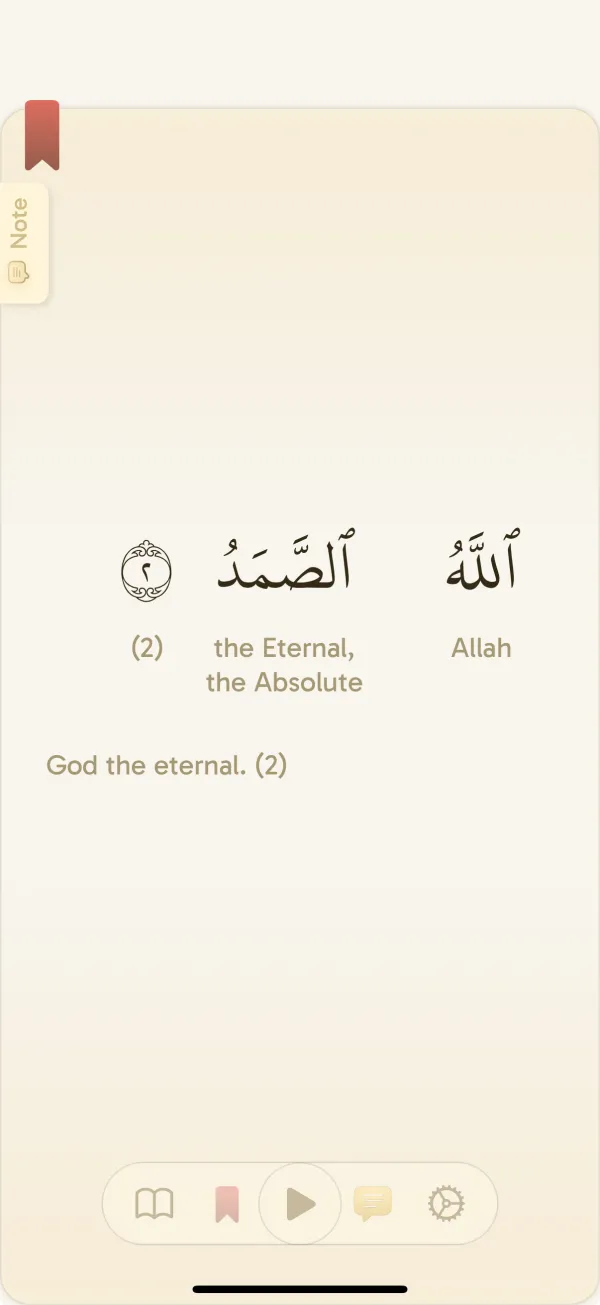
- Select a full verse translation you can follow. Enable word-by-word meanings if you want help recognizing individual words.
- Adjust text settings until the Arabic and translation are comfortable to read.
- Choose recitation audio and play a short portion to check the sound and controls.
A suggested first session, without a speed target
Read or listen to the short passage at your own pace. Then read its complete translation. If a word catches your attention, open its details and listen again. You can finish there and keep track of where you stopped.
Do not use another person’s page count to judge this session. A reader learning the script may spend the available time on a few words; another person may spend it on the translation. The session should fit the reading you are actually doing.
If you need an explanation, note the verse reference and return with a suitable tafsir or teacher. An unfamiliar passage does not need to be resolved by a quiz. Short activities can make practice enjoyable while leaving room for deeper study.
Set up the next visit while this one is fresh
In Settings → Daily reading goal, choose a small time target, starting from one minute if that suits you. Yawm shows a smaller base-streak milestone within the full goal. Read the displayed requirement so the two milestones do not feel confusing.
Choose one prompt for tomorrow: a daily reminder, an Ayah widget, or a streak widget. Put it where it matches your routine. If you prefer a cue such as breakfast or an evening break, decide exactly when you will open the app.
Optional app blocking on supported iPhone and iPad devices can put reading before selected distracting apps, but it is not necessary for a first session. Get comfortable with the reader before adding more controls.
Add a little vocabulary practice when you want it
Yawm’s vocabulary activities use words connected to your reading. Depending on the session, you may see matching, multiple-choice, audio recognition, or recall questions. Try an available activity when you want variety; it is optional after reading.
The quiz meanings currently use English and quizzes need internet. If English is not your learning language, focus on the reader translation you selected instead. Changing the app interface language does not turn every quiz into that language.
You can also keep the first week reading-only. Add practice when the reading screen and routine feel familiar, rather than making a new app into several new commitments at once.
Check the things that could interrupt your next session
Yawm is currently free and ad-free on iPhone, iPad, and Android. Start with the reading tools you need today. More options can remain available without becoming things you have to configure before reading.
- Reading away from Wi-Fi: download the intended translations and recitation audio beforehand, then test your passage offline.
- Reading quietly in a shared space: check your audio volume or keep the session focused on text and translation.
- Using a different device: confirm your preferred layout and downloaded content there instead of assuming another device has the same files.
- Getting stuck in setup: keep the passage and device details, then ask the Yawm team for help.
Common questions
Can I use Yawm if I do not understand Arabic?
You can read with a selected full verse translation and optional word-by-word meanings. For Arabic reading instruction or a complete language course, use suitable structured teaching alongside the app.
Which reader view should a beginner choose?
Try the view that makes a short passage comfortable to follow. Page, List, and Verse by verse suit different preferences; choose one for your first sessions and adjust later.
Is vocabulary practice required after every reading session?
No. It is optional. You can read without starting a quiz, and add practice when you want it and have an internet connection.